Game Effect and Editable Text: Instant 3D Impact for Your Projects
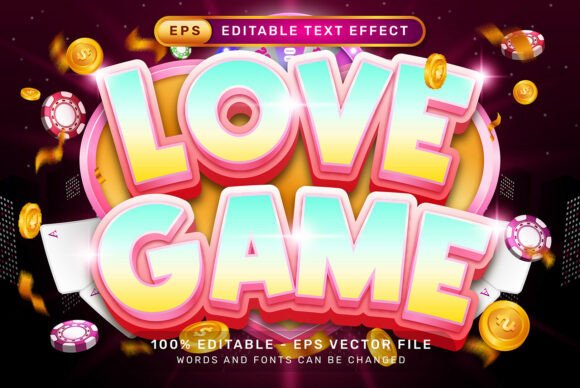
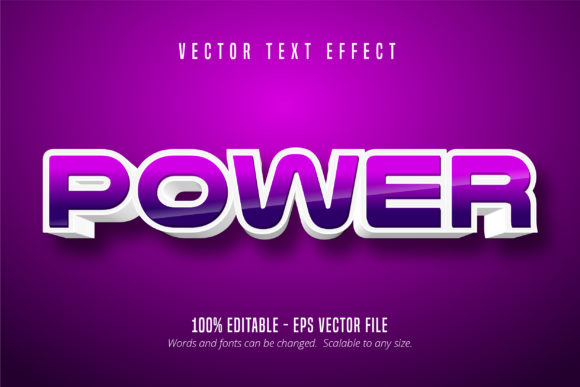
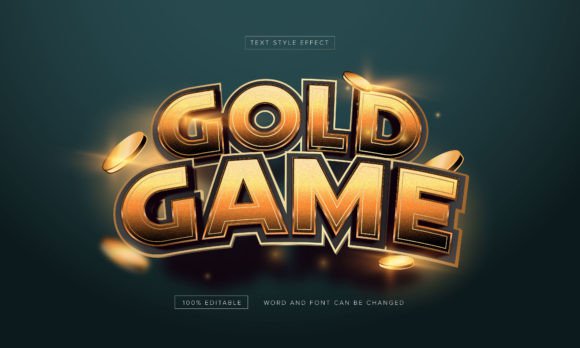
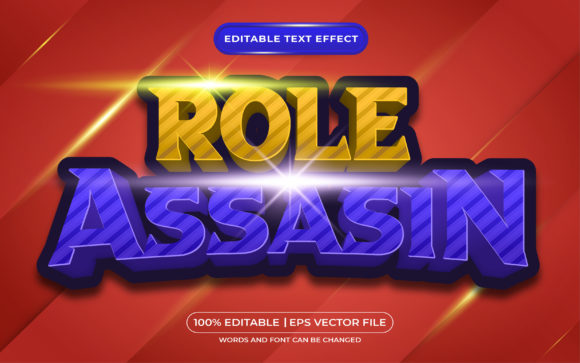
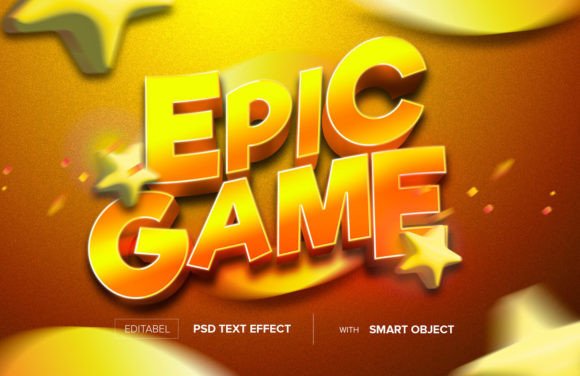
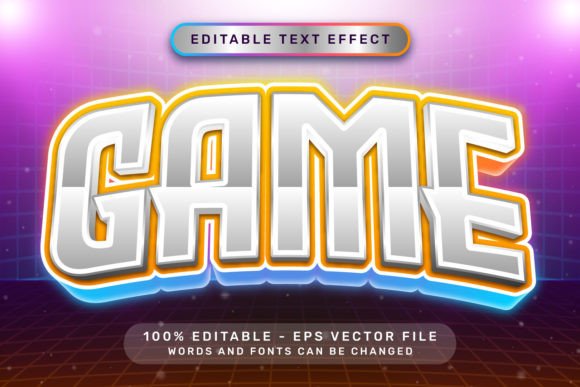
Sometimes, a design needs to do more than just sit there. It needs to pop, demand attention, and carry a sense of celebration or excitement. That's the specific visual territory occupied by the Game Effect and Editable Text EPS file. This isn't a traditional typeface in the sense of a serif font or a clean sans serif font. Instead, it's a specialized graphic style—a set of pre-designed 3D text effects built directly in Adobe Illustrator, complete with light neon colors, ribbon bows, and balloons. Think of it as a toolkit for instant visual energy.
The personality of this effect is unapologetically festive and playful. The 3D extrusion gives each letter a tangible, physical presence, while the neon color palette suggests lights, screens, and modern digital fun. The addition of decorative elements like ribbons and balloons pushes it firmly into the realm of celebration—birthdays, achievements, grand openings, or game-day events. It's a style that communicates joy, victory, and a touch of whimsical flair. For a designer, it solves a common problem: how to quickly create text that feels dimensional and decorated without spending hours manually building each effect.
Where This 3D Text Effect Truly Shines
Understanding where to deploy the Game Effect and Editable Text is key to using it effectively. Its strengths lie in projects where clarity of theme and immediate visual impact are more important than subtlety. It's a fantastic display font solution for headlines, titles, and short bursts of text that need to be the focal point.
In brand identity, it could work for a children's party planning service, a casual mobile game studio, or a celebratory product line. The visual language is so specific that it immediately tells the audience what kind of experience to expect. For marketing and social media graphics, it's a powerhouse. Imagine a promotional banner for a summer sale, a YouTube thumbnail for a gaming channel, or an Instagram story announcing a contest winner. The 3D effect ensures it stands out in a crowded feed.
For publishing and editorial design, its use is more targeted. It could be perfect for the cover of a party magazine, a chapter opener in a book about video game history, or a special section header in a newsletter. It's less suited for body copy or long-form reading, but as a creative font accent, it adds a burst of personality. Similarly, in packaging design, it could label a box of party supplies or a special edition product with a gaming theme. The versatility comes from its editability; you're not locked into a single phrase.
Practical Guidance for Designers and Creators
Using this asset is designed to be straightforward, which is a major part of its appeal. As an Adobe Illustrator EPS file, it leverages the software's native capabilities. The process is simple: select the existing text with the Type Tool, delete it, and type your own message. The Game Effect and Editable Text style is applied automatically. Alternatively, you can open the Graphic Styles panel (Window > Graphic Styles) and apply the style to any text you've already created. This flexibility means you can test different phrases and see the effect instantly.
A critical consideration is font pairing. Given its bold, decorative nature, this effect works best when contrasted with a simple, clean companion. Pair it with a neutral sans serif font for body text or supporting information. This creates a clear visual hierarchy where the 3D effect grabs attention, and the clean font provides readable details. Avoid pairing it with other ornate or script fonts, as this will create visual chaos and undermine readability.
While the file includes a high-resolution JPG preview (7000 x 4000 px), the true value lies in the vector EPS. This means you can scale your text to any size—from a small web graphic to a large print banner—with zero loss of quality. Everything is editable and built with standard Illustrator tools, so there are no dependencies on external textures, actions, or plugins. This makes it a reliable design asset for both digital and print projects. For commercial use, it's essential to review the licensing terms included with your purchase to ensure they cover your intended application, whether for a client project or your own business.
A Final Note on Application
The Game Effect and Editable Text is a specialized tool. It's not a replacement for your primary brand typeface or your go-to modern typography for reports. Its strength is in its specificity. Use it when a project calls for a dose of celebratory, game-inspired energy. Test it with your specific words to ensure the letterforms interact well with the 3D effects. Consider the color scheme; while it comes with light neon colors, you can often adjust the hues within Illustrator to better match your project's palette. When used thoughtfully, it becomes more than just a premium font effect—it becomes a quick and effective way to inject a defined mood and professional polish into your creative work.